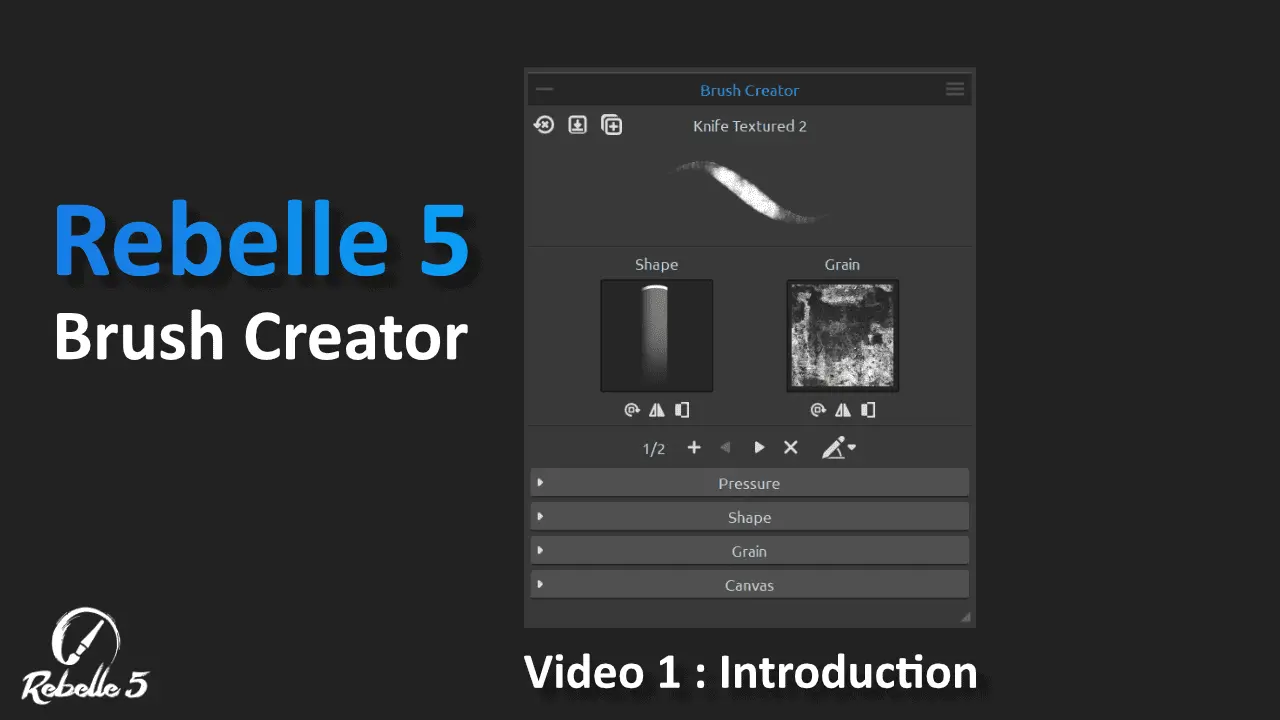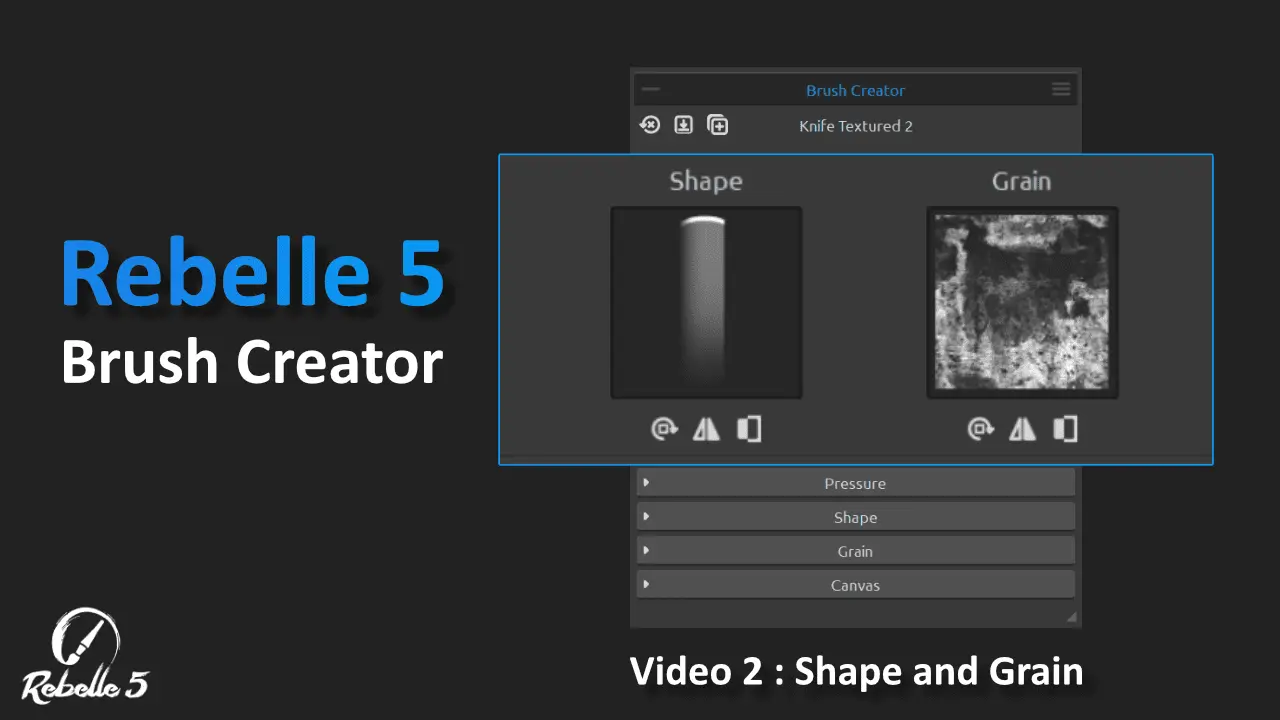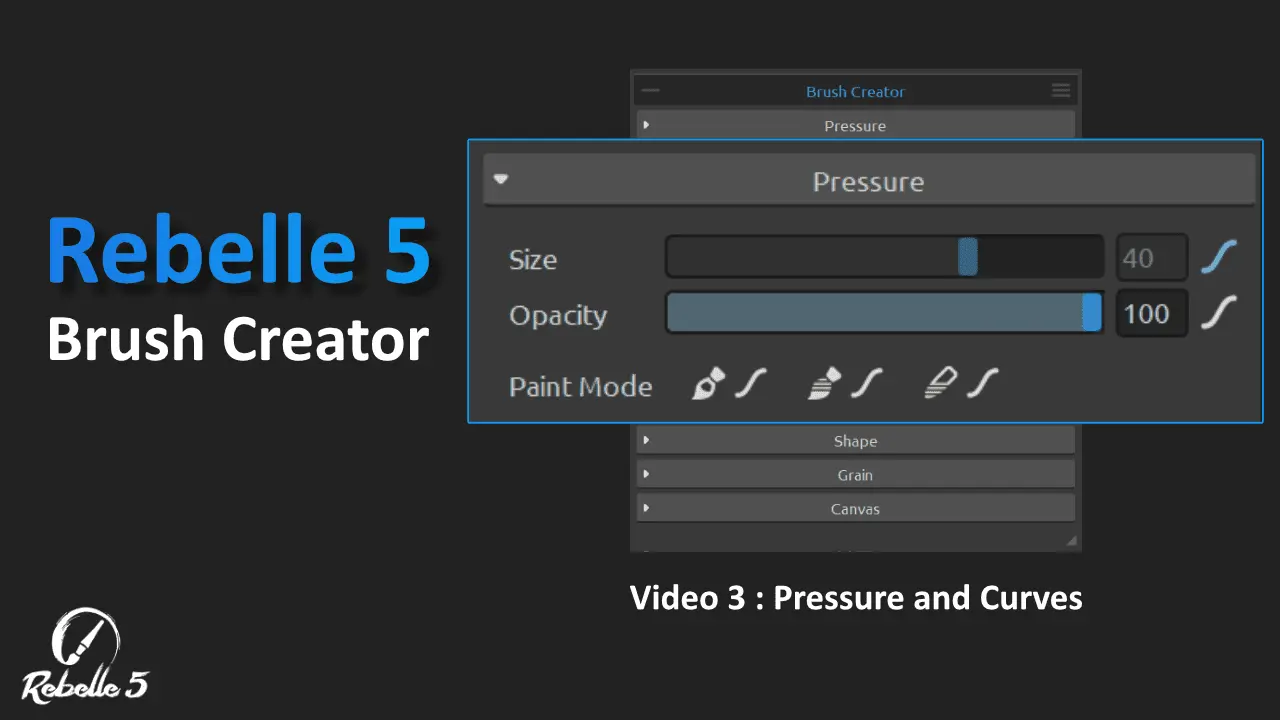

The best living digital canvas for creating fluid beautiful traditional styled artwork. Draw, paint, sketch and design inside of Rebelle . Rebelle has now been optimized for use with touch screen tablets and the Tablet Pro Artist Pad. It fully supports SPT (simultaneous pen and touch) for a breathtaking drawing experience that will leave you wanting more.

Brushes can be added to your library by opening the inside Rebelle Help menu – “show library folder” – brushes – favorites – default and paste your new “Florigraphy 1.0*” pack into there.

The Brushes pack includes 15 different structure brushes. Watch the video above to learn how to use and install the brushes. These are organic impasto structure brushes, these are mostly acrylics and a few watercolor. Hope you enjoy. Join us in our discord channel to talk with other Rebelle friends.


The Brushes pack includes 25 different brushes designed to elicit complex emotions . Watch the video above to learn how to use and install the brushes. These are organic brushes, grungy dark and disjointed brushes.
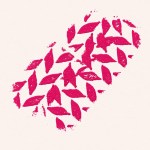
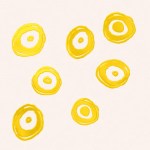
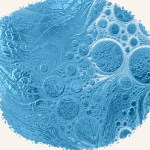
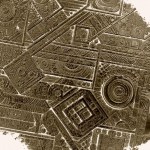
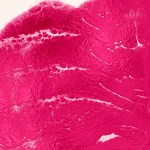
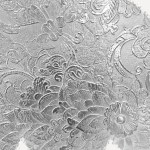
The Brushes pack includes 15 different structure brushes. Watch the video above to learn how to use and install the brushes. These are organic impasto structure brushes, these are mostly acrylics and a few watercolor. Hope you enjoy. Join us in our discord channel to talk with other Rebelle friends.
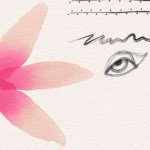
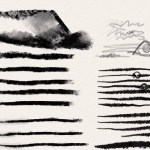
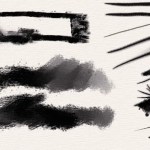
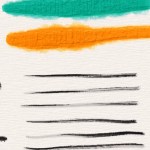
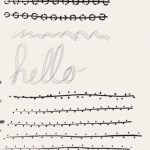
The Brushes pack includes 25 plus different brushes. Watch the video above to learn how to use and install the brushes. These are organic brushes, texture brushes, inks, sketchy pencils and stabilized line brushes. Hope you enjoy. Join us in our discord channel to talk with other Rebelle friends.
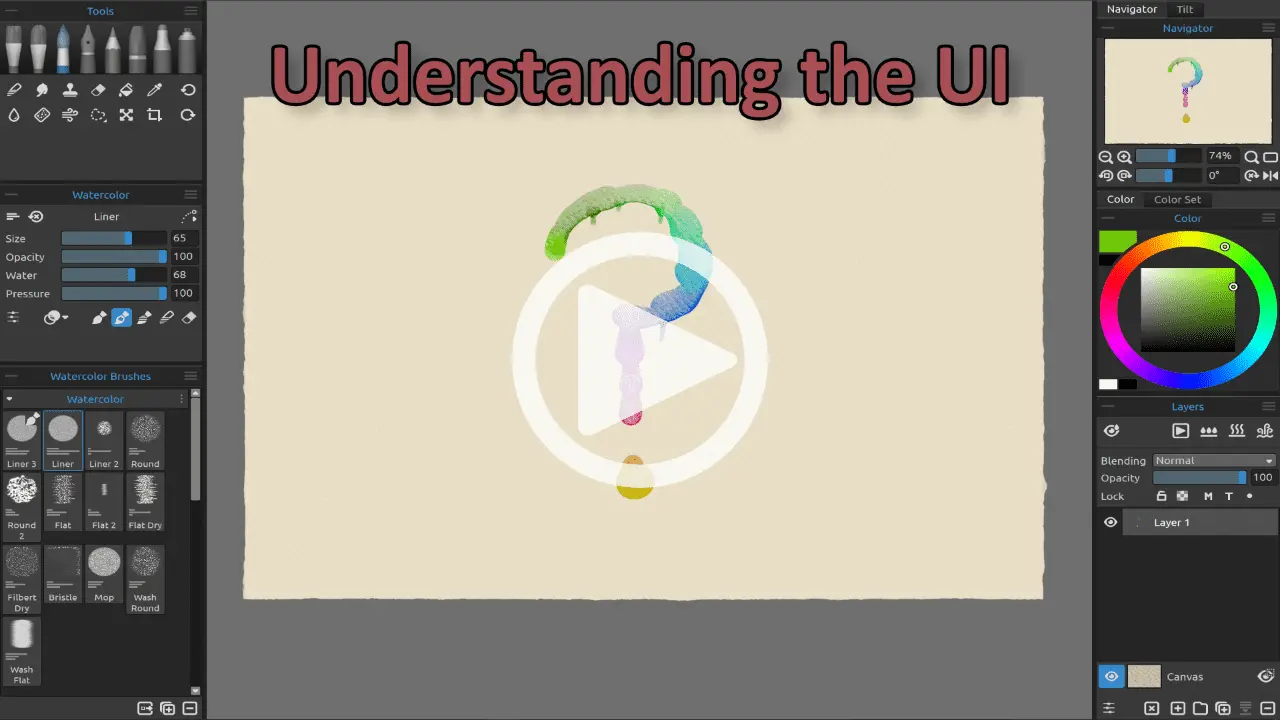
Learn the best process for the best art creation

coming soon – email justice@tabletpro.com with video suggestions.
Choose – Edit – Preferences – Tablet – Windows 8+ Pointer settings – “Okay” – You may need to restart Rebelle to initialize
Check these options –
Hit “tab” on the keyboard to show panels again. If this doesn’t work click “Window” – “reset changes to default”
Most likely the color picker is set to “color mix”. To disable this press “X” or click the icon on the bottom left of the color pallet window.
Holding “Alt” to color pick and “X” to color mix works best.
Color mixing will change the color TOWARDS the color you are clicking.
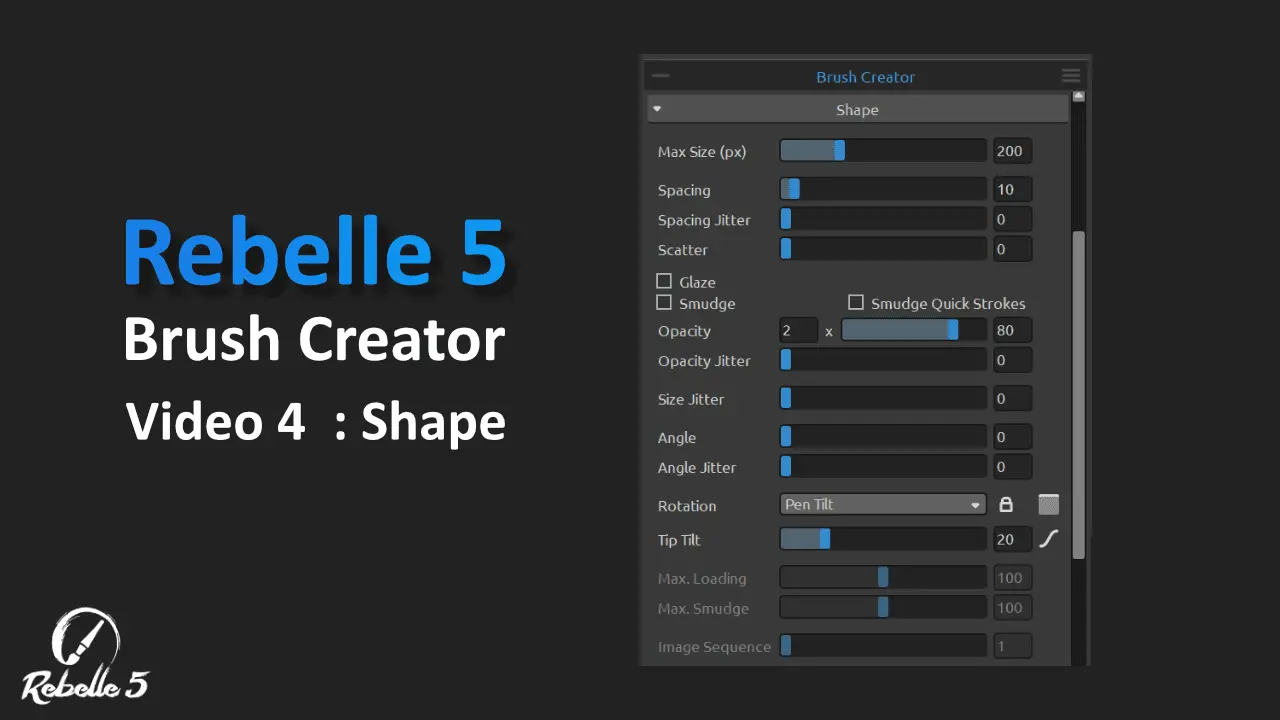
There is currently no blur tool in Rebelle. One can be made easily by adjusting the smudge tool “soft” option. Adjust the brush creator settings “Shape – Opacity” to 1x __03.
I will make this available as a brush shortly

Learn how to use Rebelle 7 with the PDF manual
Chapters:
0:00 – Introduction to Rebelle 6
0:50 – Dark and Light UI
1:05 – Liquify Tool
3:42 – Warp Tool
5:21 – Reference Image Guides
7:43 – Grids and Guides
8:35 – Fractal Image Processing
10:50 – Favorite Brushes
12:12 – New Image Filters
13:05 – Color Range
14:05 – Layer Masks
15:32 – Redesigned Brush Creator and New Brushes

Do you want to start using the Artist Pad with Rebelle 4? This quick guide will take you through the setup process. Give yourself about 5 - 10 minutes to get setup and started using the Artist Pad inside Rebelle. click the button below for a full walk through with the Rebelle Artist Pad.
Download Tablet Pro Studio from the Microsoft Store


If you have a stylus and want to get work done then you need the Artist Pad from Tablet Pro. For those who know the joys and pains of a tablet only work flow without a keyboard. Custom keyboard hotkeys are a LIFE SAVER. Professional Artists and avid note takers around the world swear by the usefulness of the sexy and powerful Artist Pad from Tablet Pro.
We guaranty every purchase with an unconditional money back guaranty and 1 year warranty.