
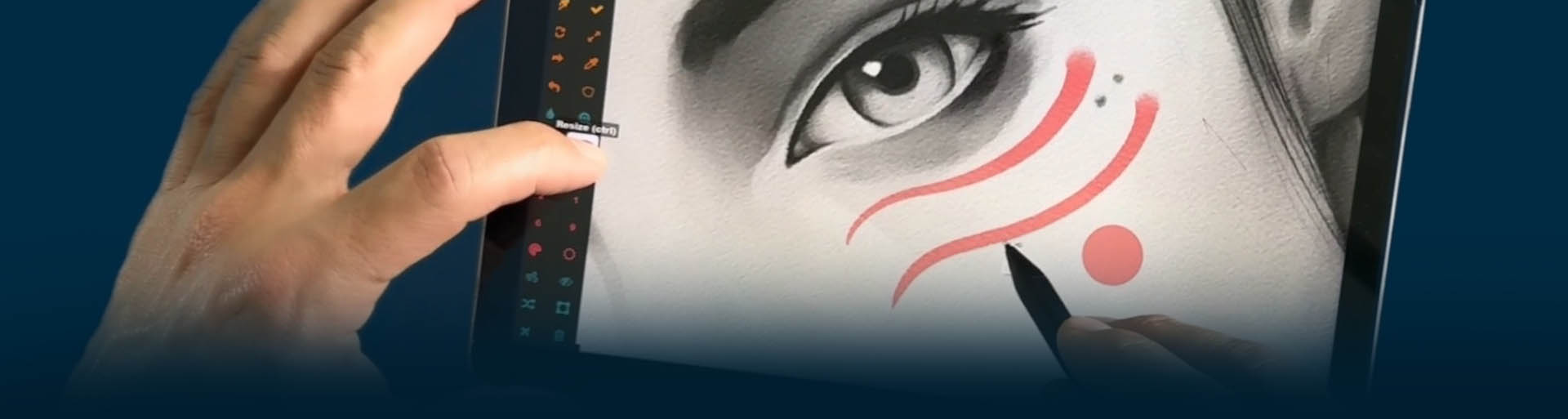
Turn Your Tablet Into a
TRUE ARTIST TOOL
Create custom touch buttons, radial menus, and stylus shortcuts so you can draw, paint, and design without breaking your flow.
START FREE TRIAL | No credit card required
⭐ Used by 1000’s of digital artists worldwide • ⭐ Works with Surface, Wacom, Huion, Xencelabs
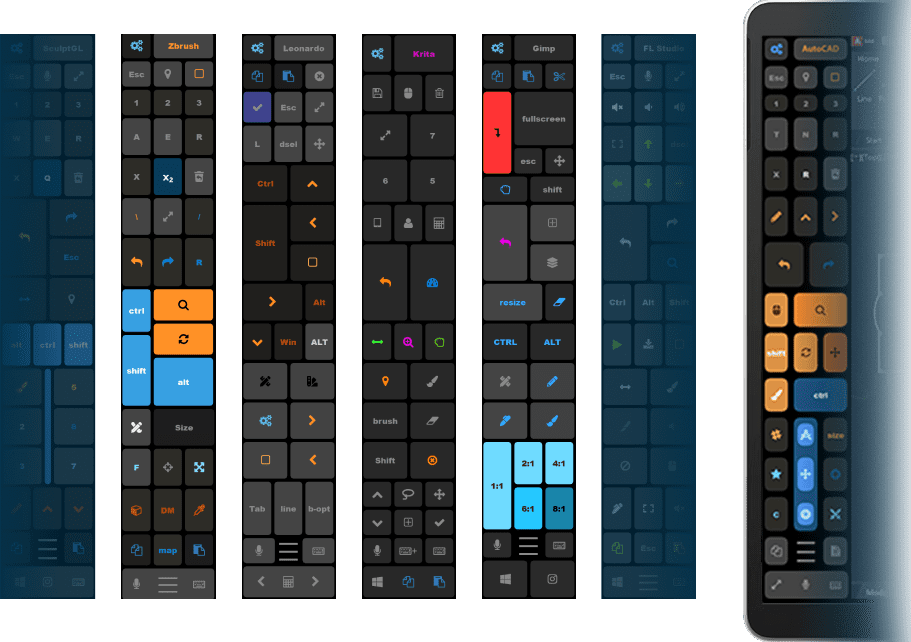
50+ PREMADE PROGRAM PRESETS
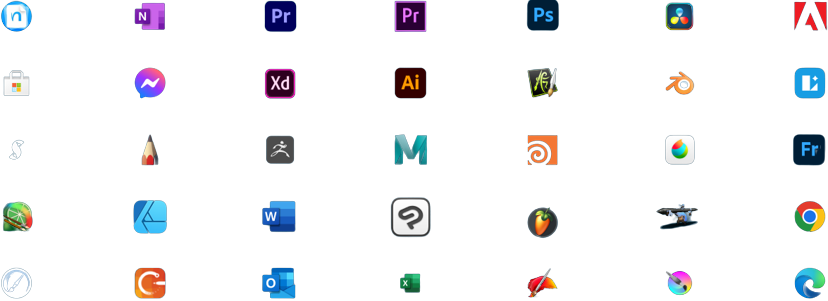
Works With the Apps You Already Use! No plugins. No hacks. Works system‑wide.
LOVE AT FIRST TOUCH ❤️
Watch a 2-minute demo by our CEO, Justice Frangipane
Mapped undo, brush, navigation, and layer controls on pen buttons and touch panels keep both hands on the screen while sculpting, modeling, and painting.
Digital ARTISTS and 3D
Notetakers
Handwriting-friendly tools, quick text insertion, and navigation shortcuts enable fluid writing, formatting, and document switching during classes or meetings.
Personalized layouts of touch keys, radial menus, pen shortcuts, and voice actions help capture ideas instantly in any desktop creative app.
Creatives
Not an Artist?
No Problem, We can handle a lot more!
Microsoft Store Reviews

The Must-Have app for Pen Enabled Tablet Users
★★★★★
C
Once you start using this application to make staying in "Pen" mode easy, your workflow becomes so much easier for drawing and other tasks that use to require hunting and pecking in menus are now easy to find or in the radial menu.... If the option isn't there... you can just add it yourself because it is so configurable. Amazing software!
Senior citizen and his Tablet Pro Studio experience
★★★★★
Fred
For a senior citizen who really struggles with technology The ease of installing, tutorials and outstanding support and prompt replies to any question makes this product really shine. Add to that the brilliant functionality of the product and you have a wonderful experience ahead.
Amazing Tool for Artists!
★★★★★
Tehilim
Tablet Pro Studio has made my life easier! The artist pad with its customizable buttons is amazing when using a pen computer, and with the auto-switching, it makes working in different apps a breeze. I have been using Tablet Pro and the Pen Tool from before the developers created the combined Tablet Pro Studio and I have to say, they have done an amazing job with improving the softwares. Creating custom buttons has never been easier, and they just keep adding amazing features. I have personally spoken to one of the developers, Justice, and he is incredibly helpful. Anytime I've needed help troubleshooting, he responds quickly and patiently answers my questions. Overall, it is an amazing app, and I think any artist out there would benefit from it!
Great app!
★★★★★
Misha
Tablet Pro has made my life so much easier. I can now edit on the go, quickly, without having the keyboard attached to my Surface Pro. Once you're on the purchase page, check out their option for a Lifetime License that is available for purchase. It's actually on sale RIGHT NOW!
All 2 in 1 Creative user should have this!
★★★★★
Ian
TABLET PRO is a great app for creative professionals who use a Windows tablet. It is easy to use, customizable, and packed with features. I highly recommend it to anyone who is looking for a great app for drawing with Sketchbook Pro, sculpting with Zbrush, or photo editing & painting with GIMP, Photoshop, Affinity on their Windows tablet. I have been using TABLET PRO for many years and I have been very happy with it. I highly recommend TABLET PRO to anyone who is looking for a powerful and versatile app for creative professionals on Windows tablets.
Most useful investment you could make with your tablet
★★★★★
Dr TK
I use tablet pro studio with my OneNote app. Most often I am taking notes using digital ink and often it is necessary to look up a website or do things that would require a keyboard and mouse. But it is unbelievable that this tool make you not need anything else and you can get all your actions done without needing to connect the keyboard or mouse. The radial menu can be customized. In fact with some expenditure of time you can customize just about anything to your liking. Bottomline: For most of the time you need to carry only your surface pro tablet and pen, nothing else. The time savings and convenience alone will justify your investment. Plus the support is outstanding if you ever get stuck
Excellent Tool! Easy, simple, and efficient!
★★★★★
Noah
Tablet Pro STUDIO and all of its related programs have done wonders for my creative hobbies. It's so simple and efficient it has greatly saved me time and irritation by removing the requirement of having a keyboard nearby at all times and navigating through tiny detailed menus just to search for the right action. I would recommend this application to everyone, especially artists! 10/10!
Great App
★★★★★
Jon
I have had this app a long time. There was nothing out there for PC users except a competitor that is the major player in the tablet world. This came close back in the beginning. The updates with the radial menu really was a game changer for me. WOW! So useful. I would recommend this if you have app. The price is more than fair compared to the cost you would pay the major players out there.
If you're unsure--get it.
★★★★★
Acacia
I have been drawing digitally for 2–3 years and finally caved and bought a tablet computer so I could draw while traveling…because dragging a whole non-travel-friendly setup around is a form of cardio I did not consent to. Anyway. There I was, hunting for an app that would let me customize touch gestures because I was so annoyed moving my hand over and over just to press the touch keyboard button AFTER swiping up to reveal the taskbar because I like a fuller screen and pain apparently. Then this app popped up in my search. It was like I was bloody enlightened. With my keyboard problem forgotten(and solved by the way because of this app), I consumed everything. Custom on-screen buttons? Gesture controls? Shortcut pads and radial menus so I’m not constantly summoning the UI like a caveman? App-specific layouts so Clip Studio Paint gets a setup that makes sense for CSP? Yeah...I didn't just "consider" the lifetime license. I blacked out and woke up owning it. And I'd do it again.
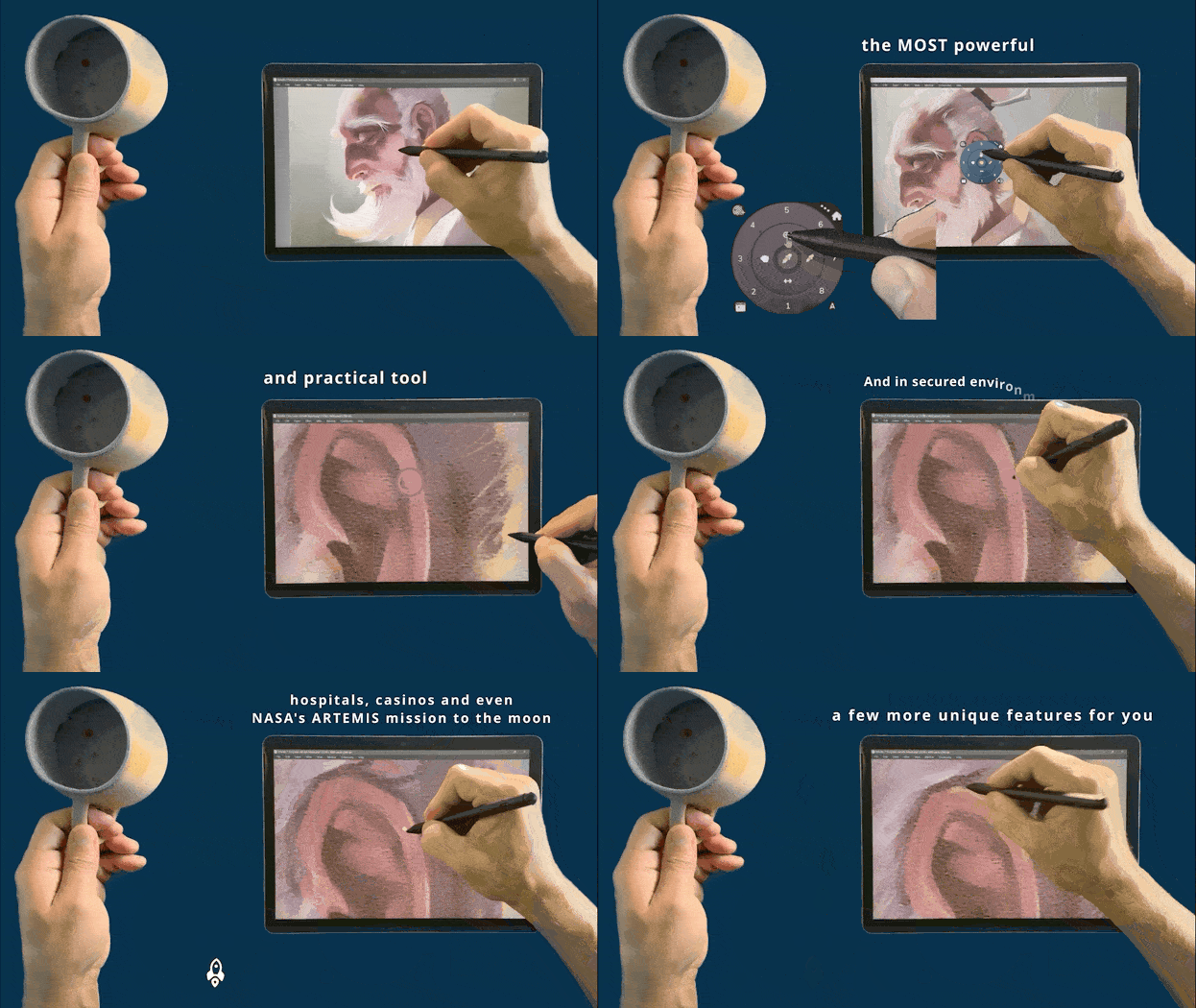
Windows Tablets Weren’t Built for Artists — Until Now
✓ Constantly reaching for the keyboard?
✓ Breaking concentration to use shortcuts?
✓ Limited touch controls in art apps?
Tablet Pro fixes this by letting you build your own artist‑friendly interface.
Used daily by illustrators, designers, and students worldwide.
START FREE TRIAL | NO CREDIT CARD REQUIRED
Frequently updated since 12+ years – Updates History 