Believing nothing should stand between you and your inspiration — so we cleared the clutter and put your most-used shortcuts right under your fingertips.
Works system-wide with the apps you already use, no plugins, no hacks.
Tablet Pro exists to remove that friction and help the screen become your workspace, not just your display.
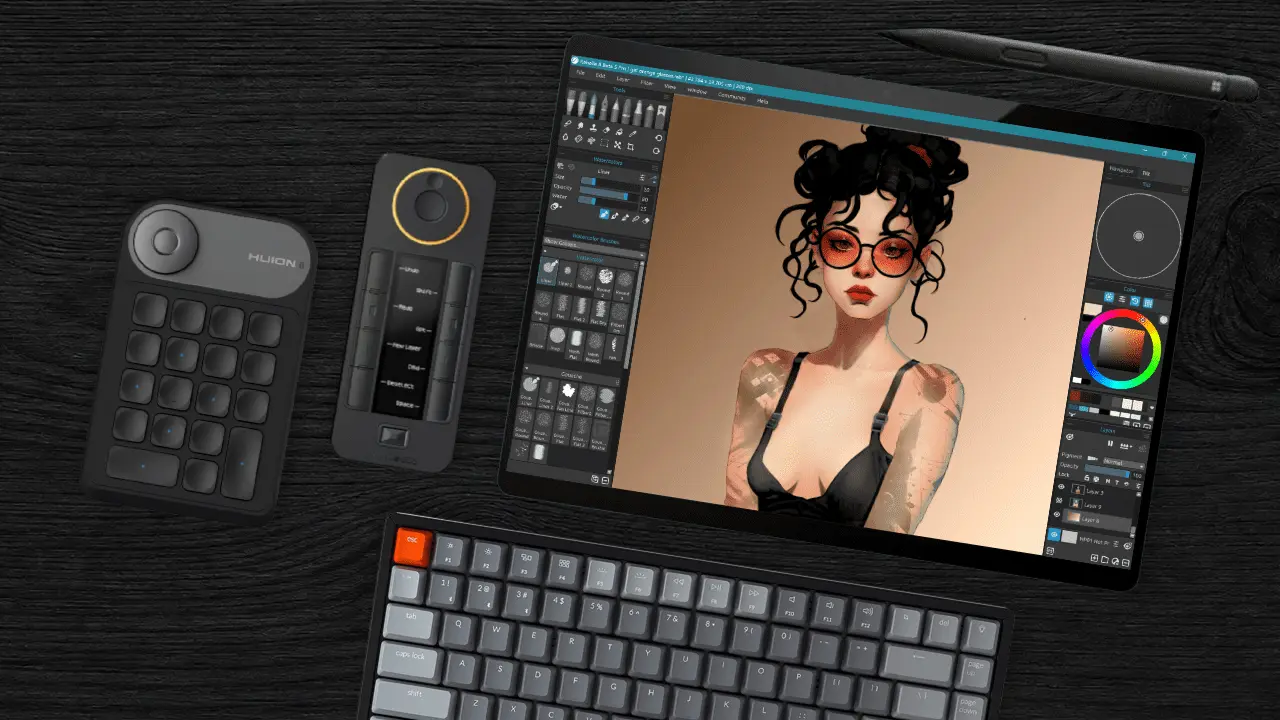
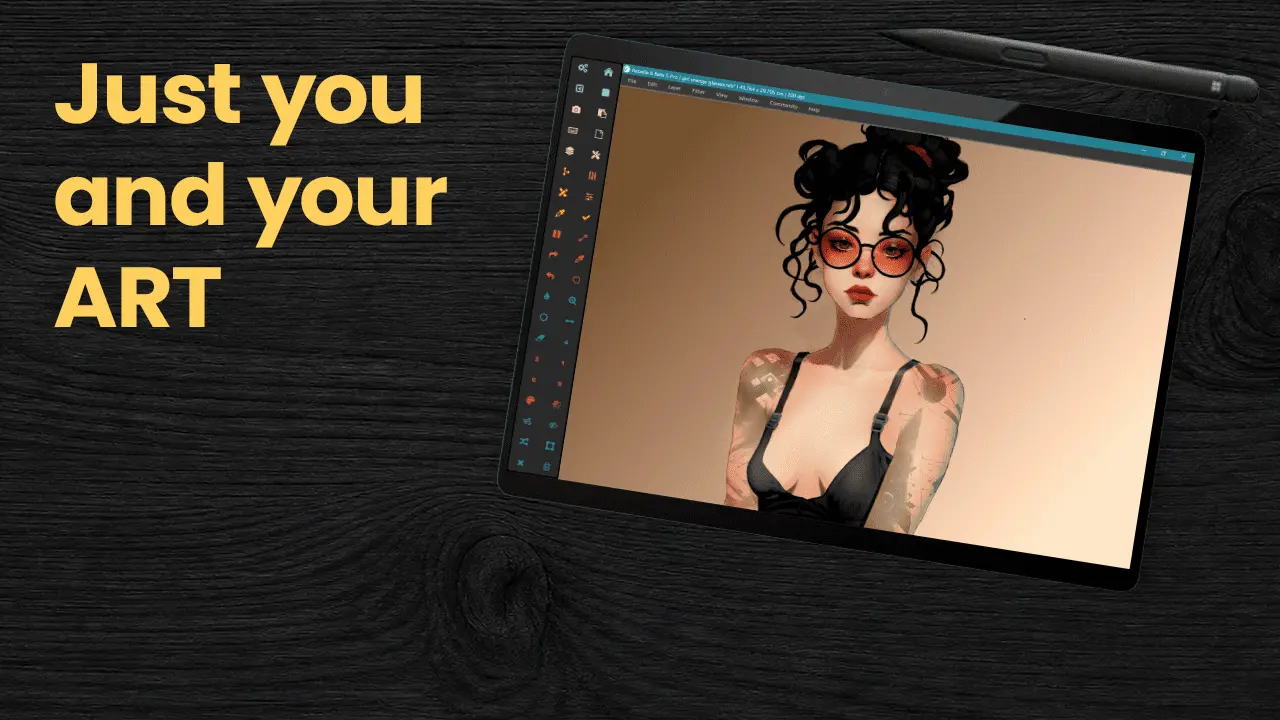
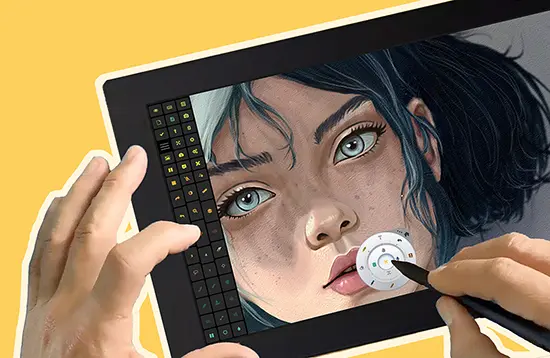
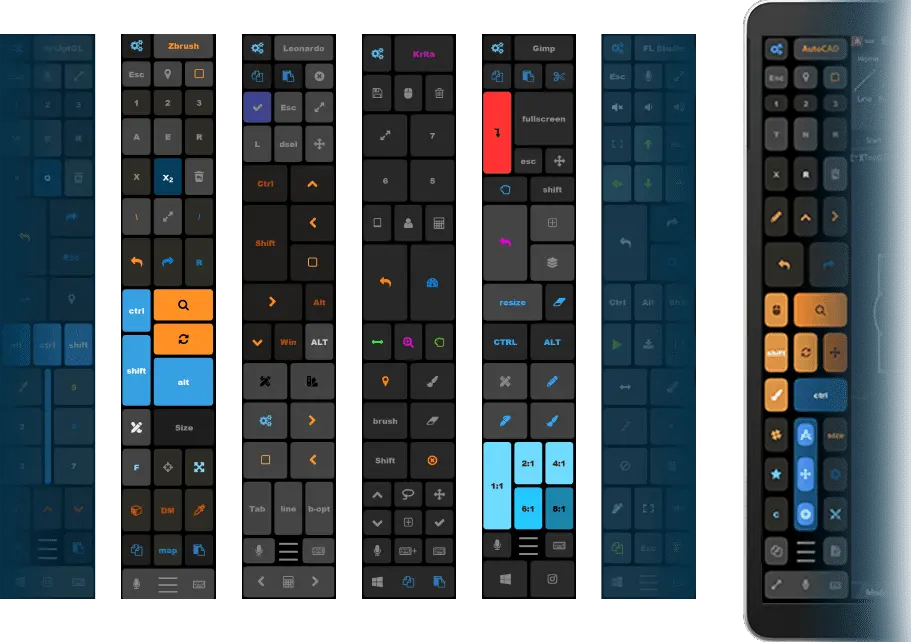
Put shortcuts, navigation, and common commands around your canvas.
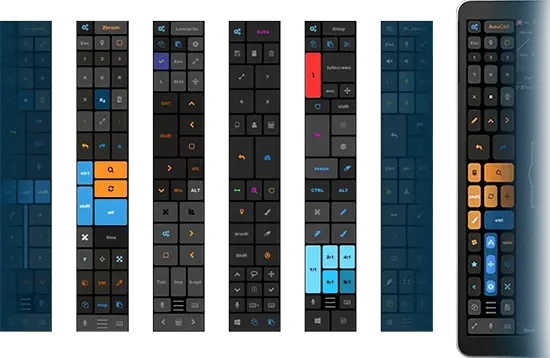
Use premade presets and app-specific profiles to match different creative tools and workflows.
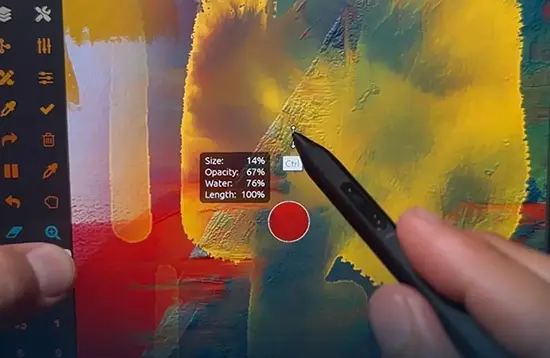
Combine touch panels, stylus remapping, radial menus, voice commands, and zoom into a setup that feels natural to you.
Watch a 2-minute demo by our CEO, Justice Frangipane
50+ PREMADE PROGRAM PRESETS, Automatic switching and custom layouts!
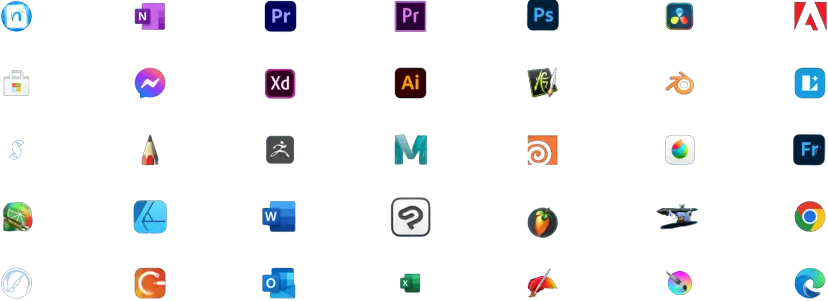
Don’t see your app?
Create your own profile in minutes.
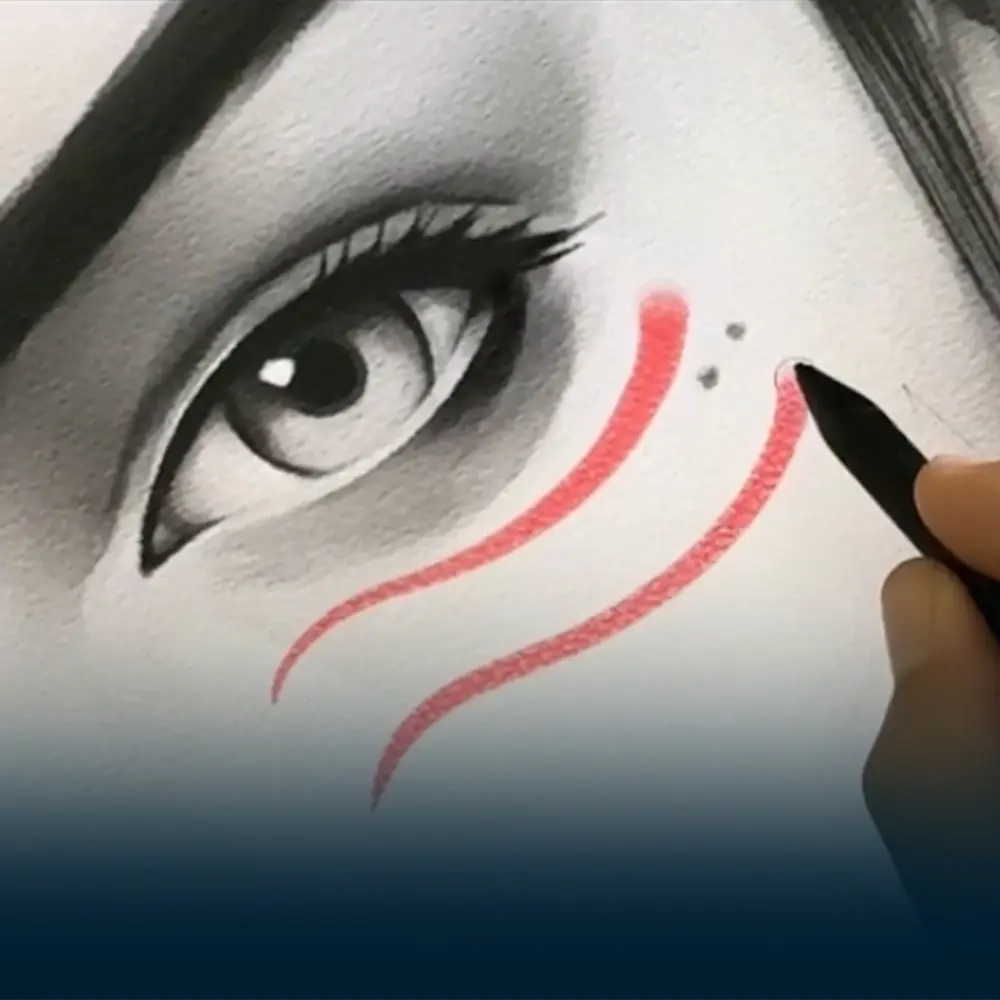
Mapped undo, brush, navigation, and layer controls on pen buttons and touch panels keep both hands on the screen while sculpting, modeling, and painting.
Handwriting-friendly tools, quick text insertion, and navigation shortcuts enable fluid writing, formatting, and document switching during classes or meetings.
Personalized layouts of touch keys, radial menus, pen shortcuts, and voice actions help capture ideas instantly in any desktop creative app.
Tablet Pro lets you build your own artist-friendly interface with on-screen buttons, radial menus, pen actions, and voice triggers designed for desktop apps.
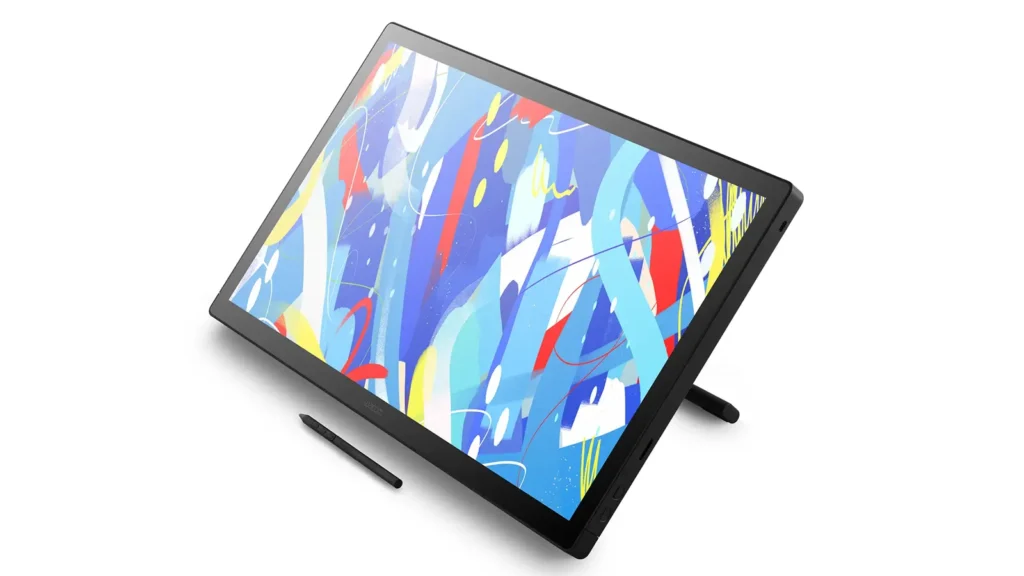
Wacom
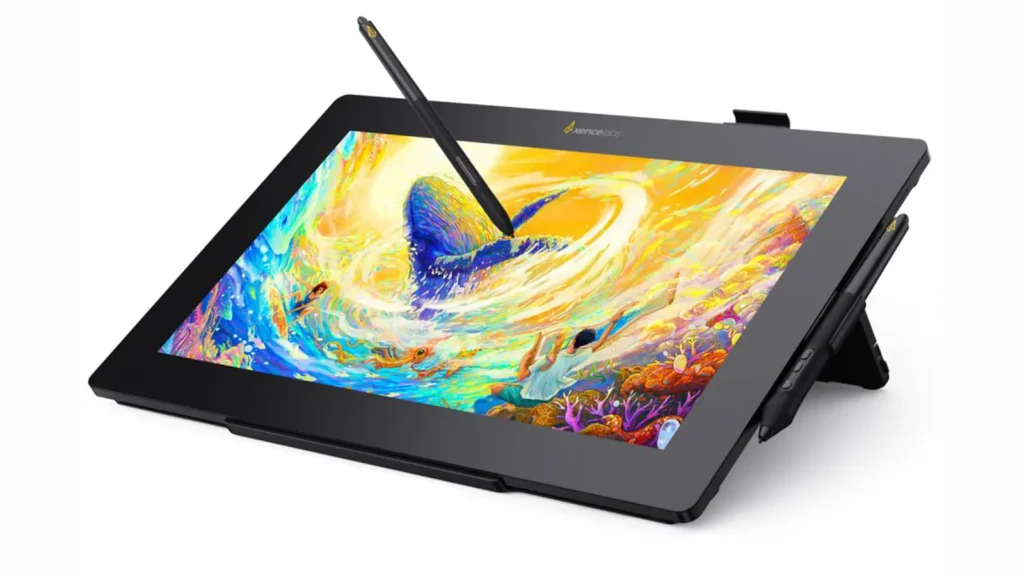
Xencelabs
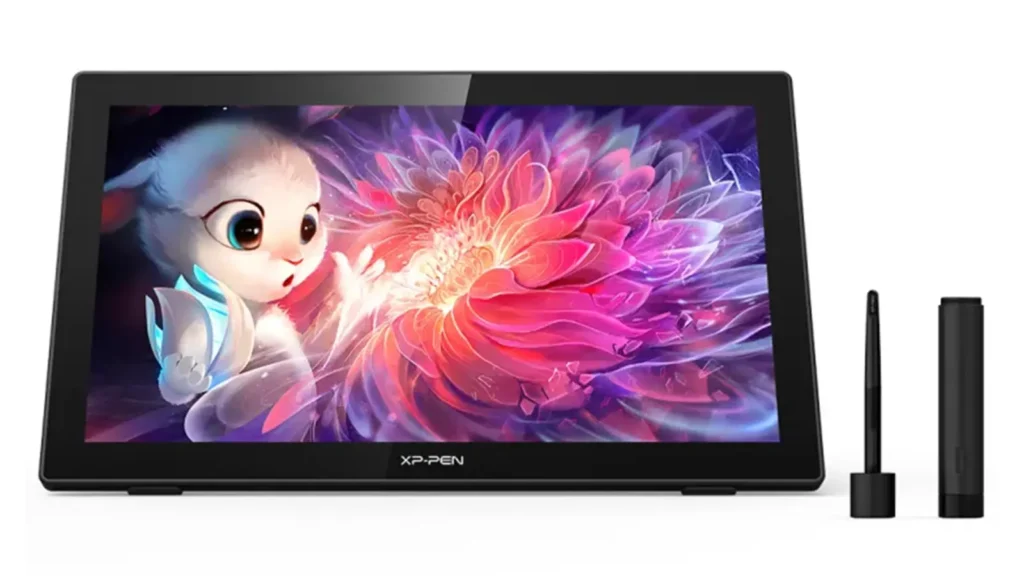
XPPen
Huion
The Tablet Pro STUDIO is perfect for anyone who loves to draw, design, or write right on a pen display with Windows.
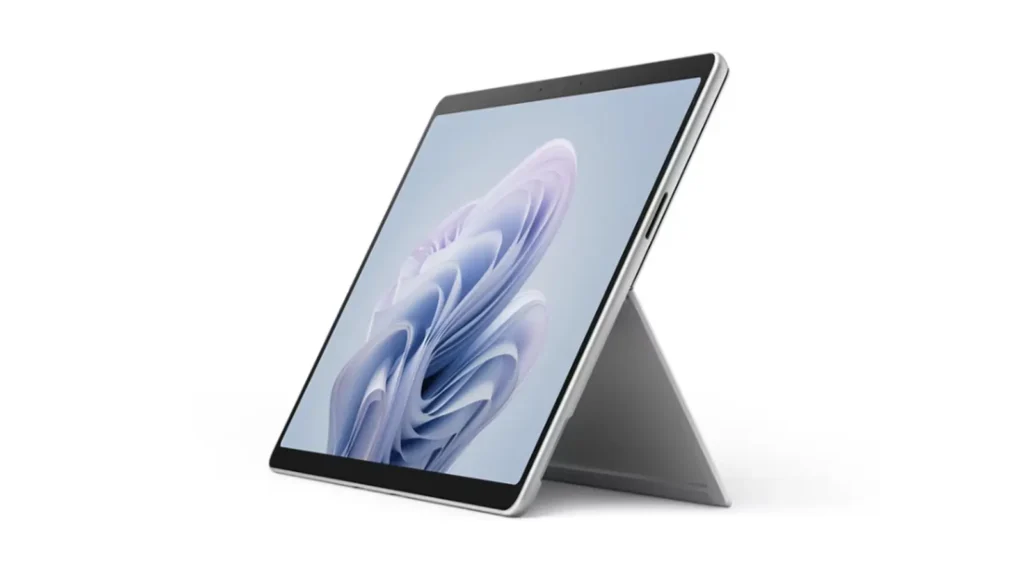
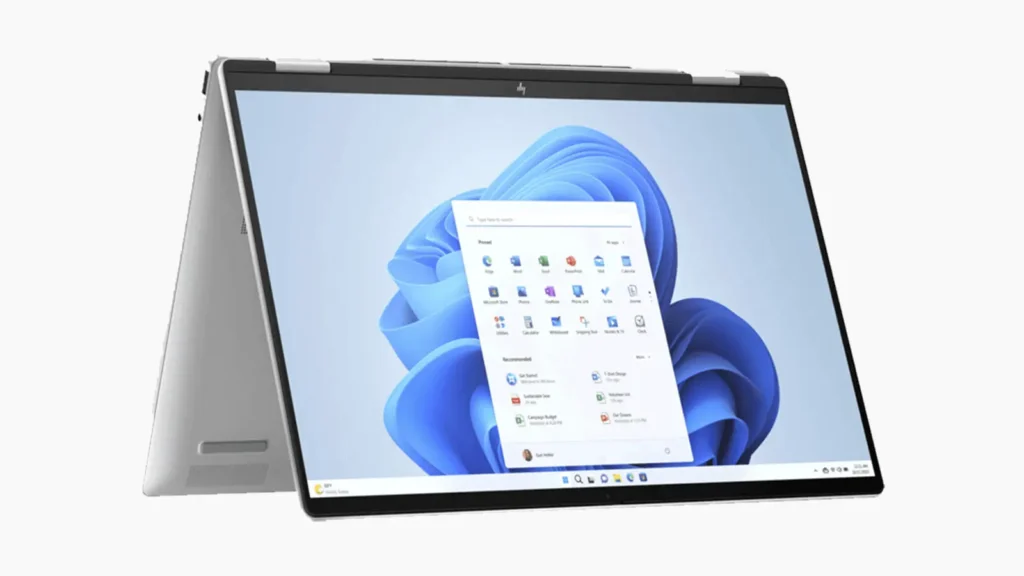
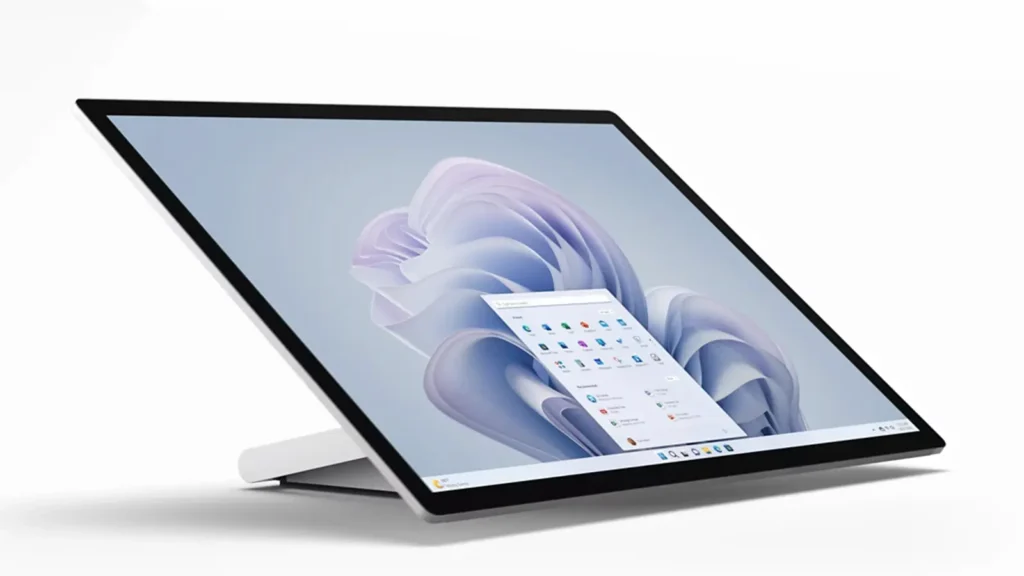
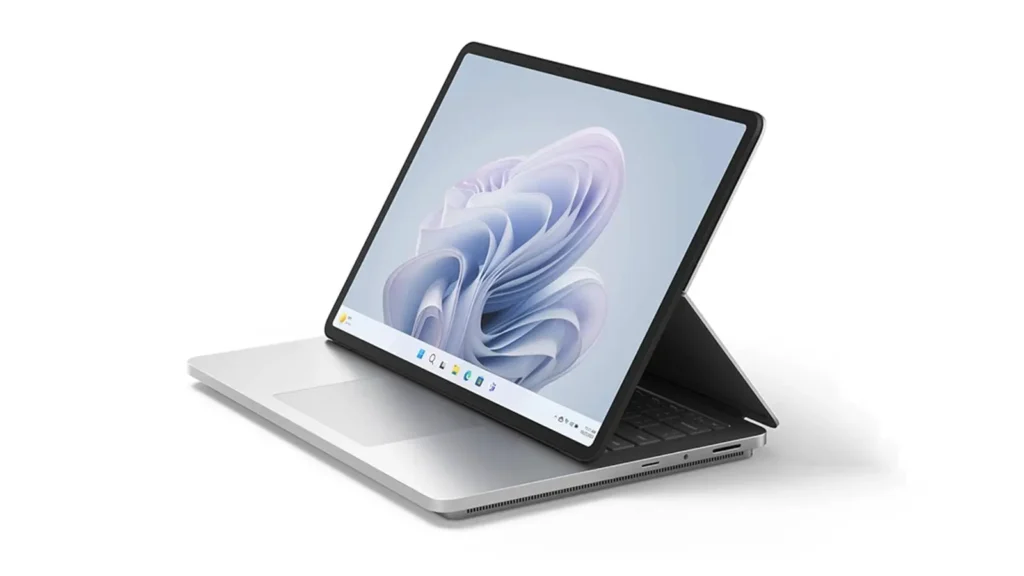
Surface
ROG Z13
YOGA
& MORE...
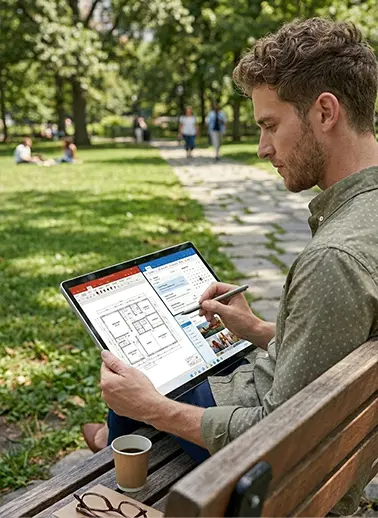
On Windows tablets and 2‑in‑1s, you install and run Tablet Pro STUDIO directly, then place its on‑screen buttons and radial menus around your canvas so you can work mostly with pen and touch instead of a keyboard.
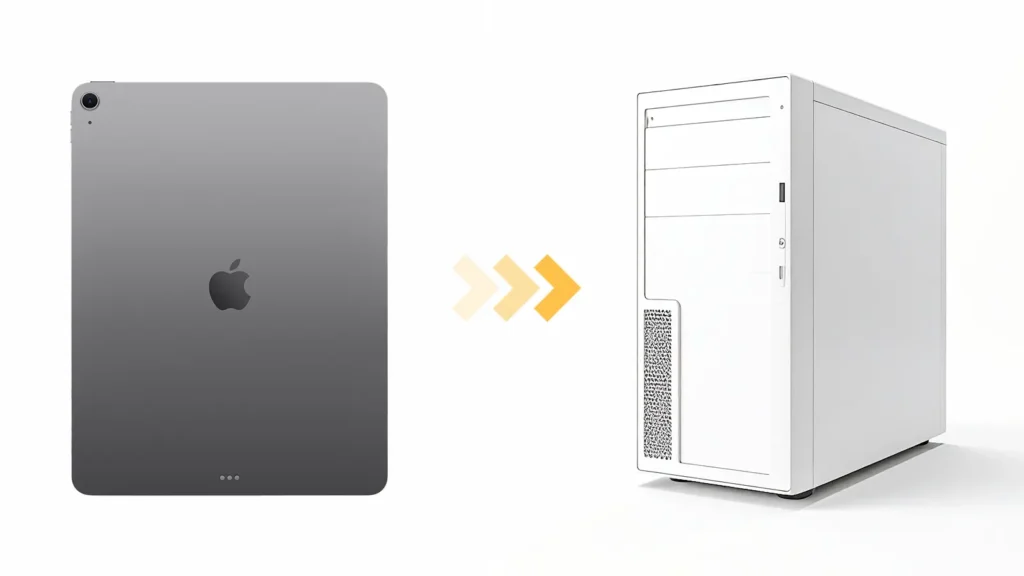
iPad
iPad Mini
iPad Air
iPad Pro
Tablet Pro STUDIO is a Windows app, so you can’t install it on an iPad/Android directly. Instead, run it on a Windows PC and use your device as a pen display (via apps like Splashtop or Astropad, wireless or wired) so you see Windows on your device and use Tablet Pro STUDIO’s on‑screen buttons there.
Built for anyone who wants a more natural Windows tablet workflow

Your tools should work the way your mind does.
Free to use with your favorite program